How to create a poll with Whocan
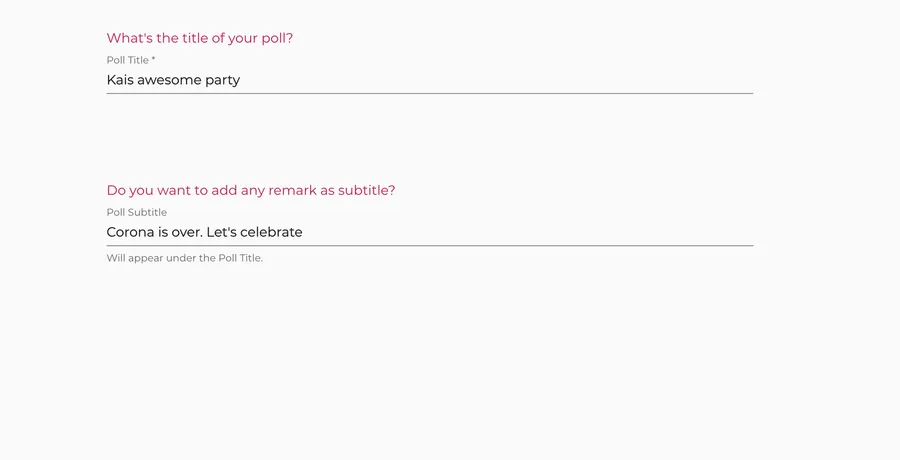
Create a Whocan poll in five steps. First: All you need to start with is a title. Setting up your Whocan poll takes few seconds. It is for free and does not require any registration.
Create a poll
Specify vote options
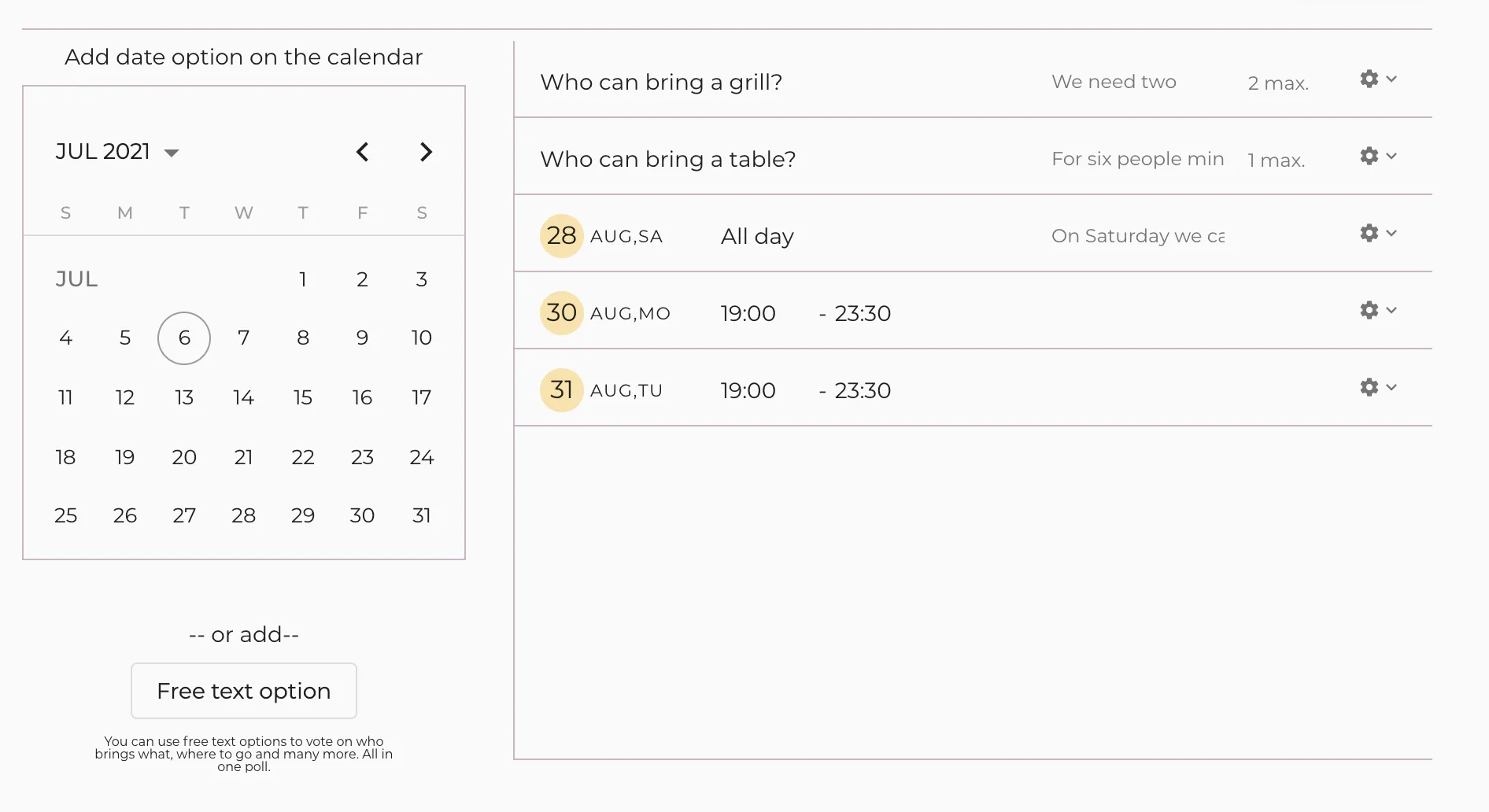
Select dates for your calendar poll or specify free text options. You can combine text and date options. If you want advanced settings, you can for example limit the number of votes per option to a maximum.
Share poll
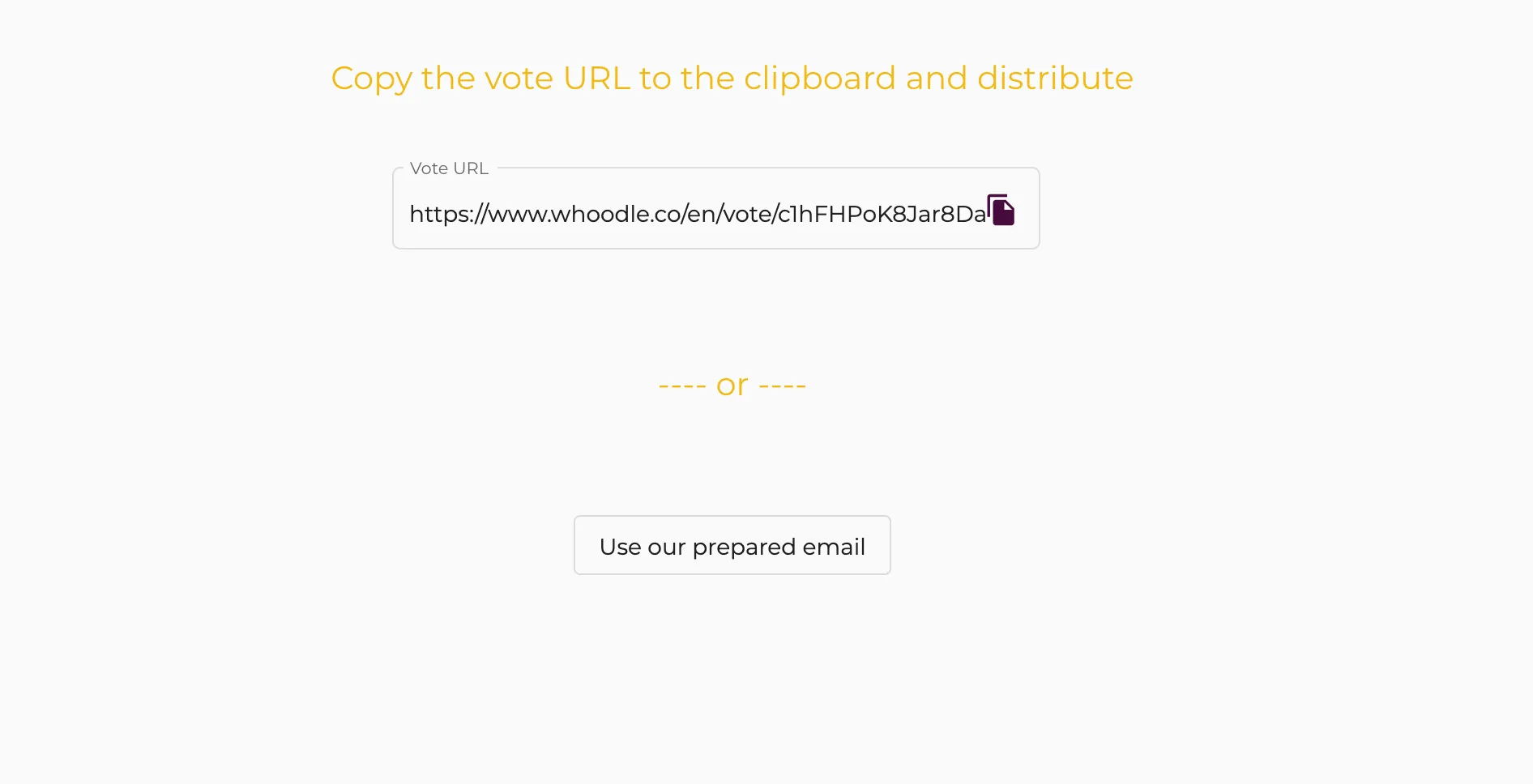
Share your poll and invite participants to vote. Send the unique link to the poll via email, whatsapp or copy and paste it where ever you want.
Voting
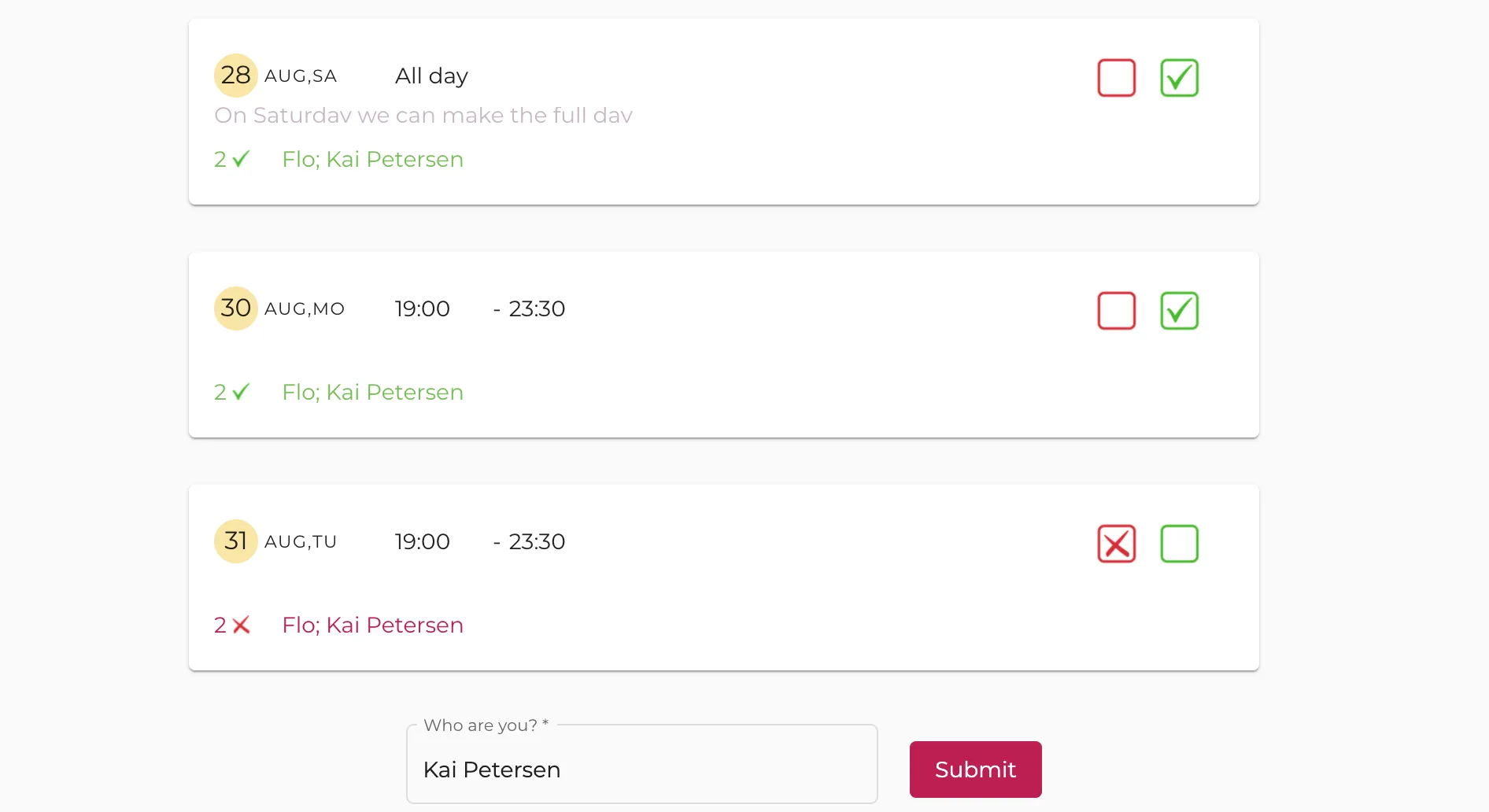
Participants don’t need to register. After receiving the link to the survey, participants respond and can vote with one click. Very easy. Editing of the answers is possible at any time.
Check the result
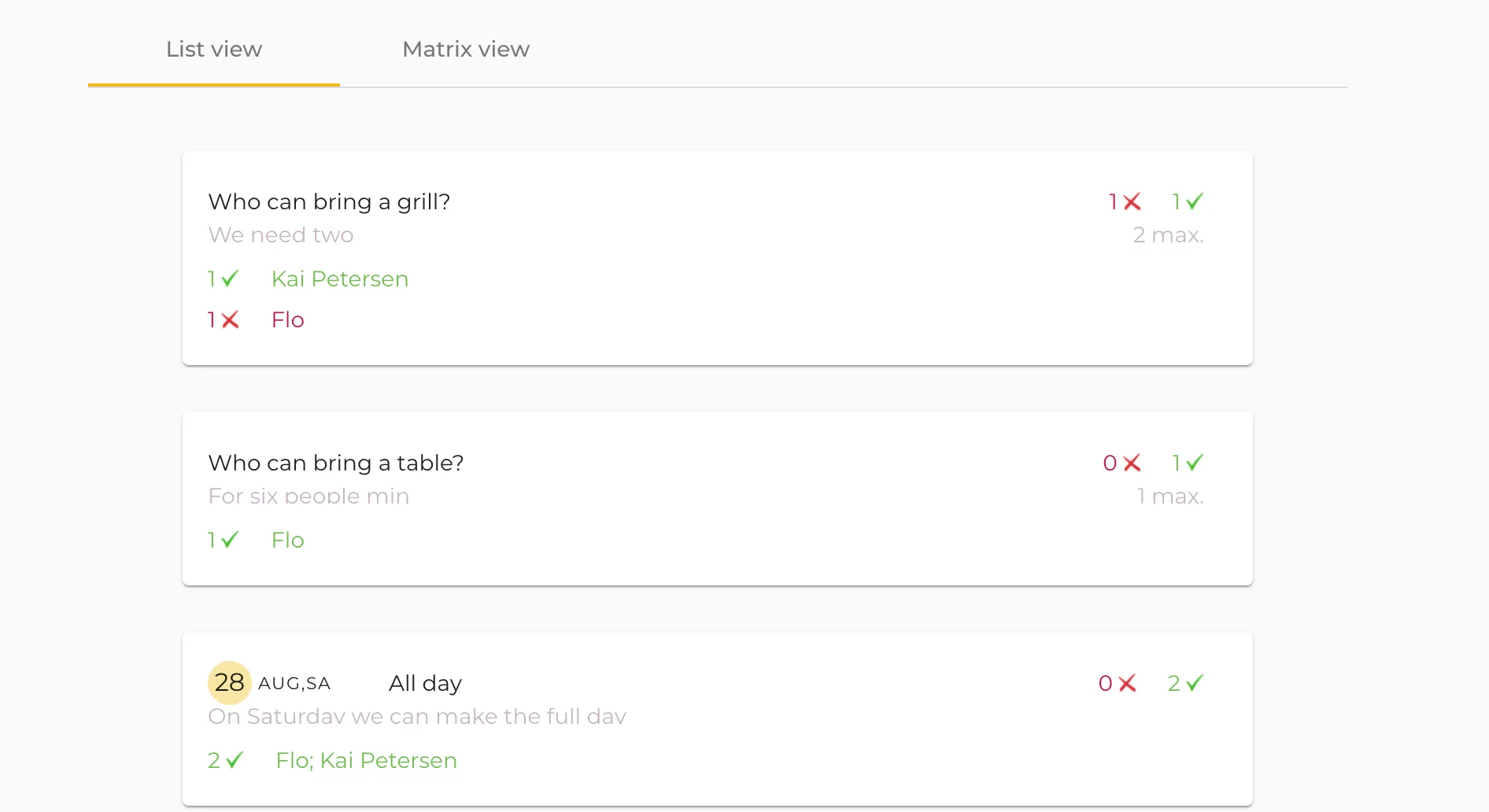
View the reponses in a nice and clean overview. You can choose between a List View and a Matrix View. You can still edit still the vote options. Then close the survey, schedule the event and enjoy.