
Comparing doodle and calendly, the two poll scheduling platform alternatives.
Calendly is a scheduling platform that takes a new spin on how to schedule meetings. How does it compare to doodle, the established meeting scheduling solution and which one is ultimately better?
Doodle Calendly comparison
What are Calendly and Doodle?
Calendly and Doodle are both applications that are supposed to help people find suitable time slots for meetings or events. Doodle has been operational since 2007 and has more than 30 million users every month. Calendly was started in 2013 and has reached 10 million users world wide. While Doodle has established itself as one of the major scheduling apps, Calendly tries to position itself more as a scheduling platform.
Who can best profit from their use?
Everyone who has a tightly packed calendar but is looking to schedule meeting with people that they have no calendar access to will profit from using doodle or calendly to schedule a meeting. This is of course especially relevant for businesses that have a lot of contact to many different outsiders, be that for example a freelancer or a consultant. But also in private life this can be of value to organize the time off with friends and family.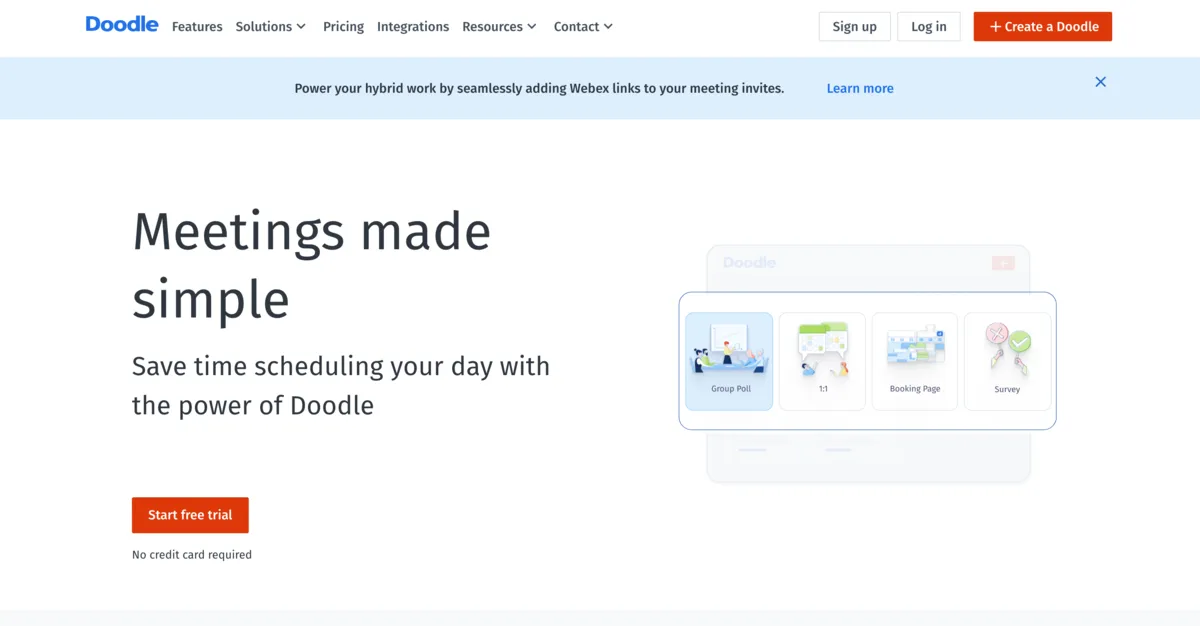
How does Doodle work?
Doodle can be either accessed via the web or on a phone or tablet, the organizer can also download the app from the App Store or Google Store. Creating a new poll is quite simply, the organizer decides on a title for the poll, probably the name of the event and suggests dates, including or excluding time slots. It is even possible to synchronize this with all the major web-based calendars, such as Google Calendar, Outlook and others via ICS Feed. Then you can set major settings, of which some are locked behind a paywall and require Doodle Premium. In the last step, the organizers needs to leave an email address and will receive a link that they can share with the participants on the channel that they prefer.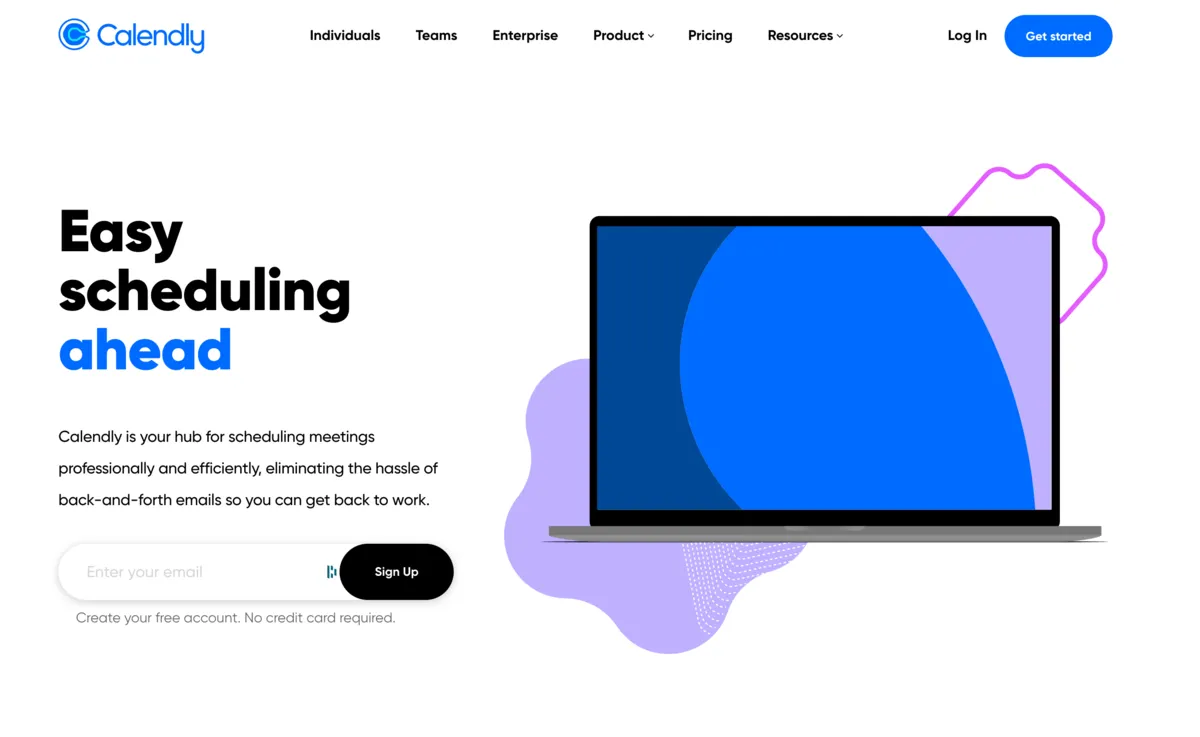
How does Calendly work?
Calendly on the other hand is an automated scheduling tool, that positions itself more as a plattform than as an application. The organizer of a meeting synchronizes his calendar of choice Google Calender, Outlook or others with Calendaly. Then can then define what type of meeting they would like to organize 1-on-1 or group events; decide if they need some buffer between the different meetings and some elements such as the max amount of meeting that can be booked during a day. At its core, Calendly functions like an interface between the calendar of choice and someone wanting to book some time in it.
Pricing comparison between Doodle and Calendly
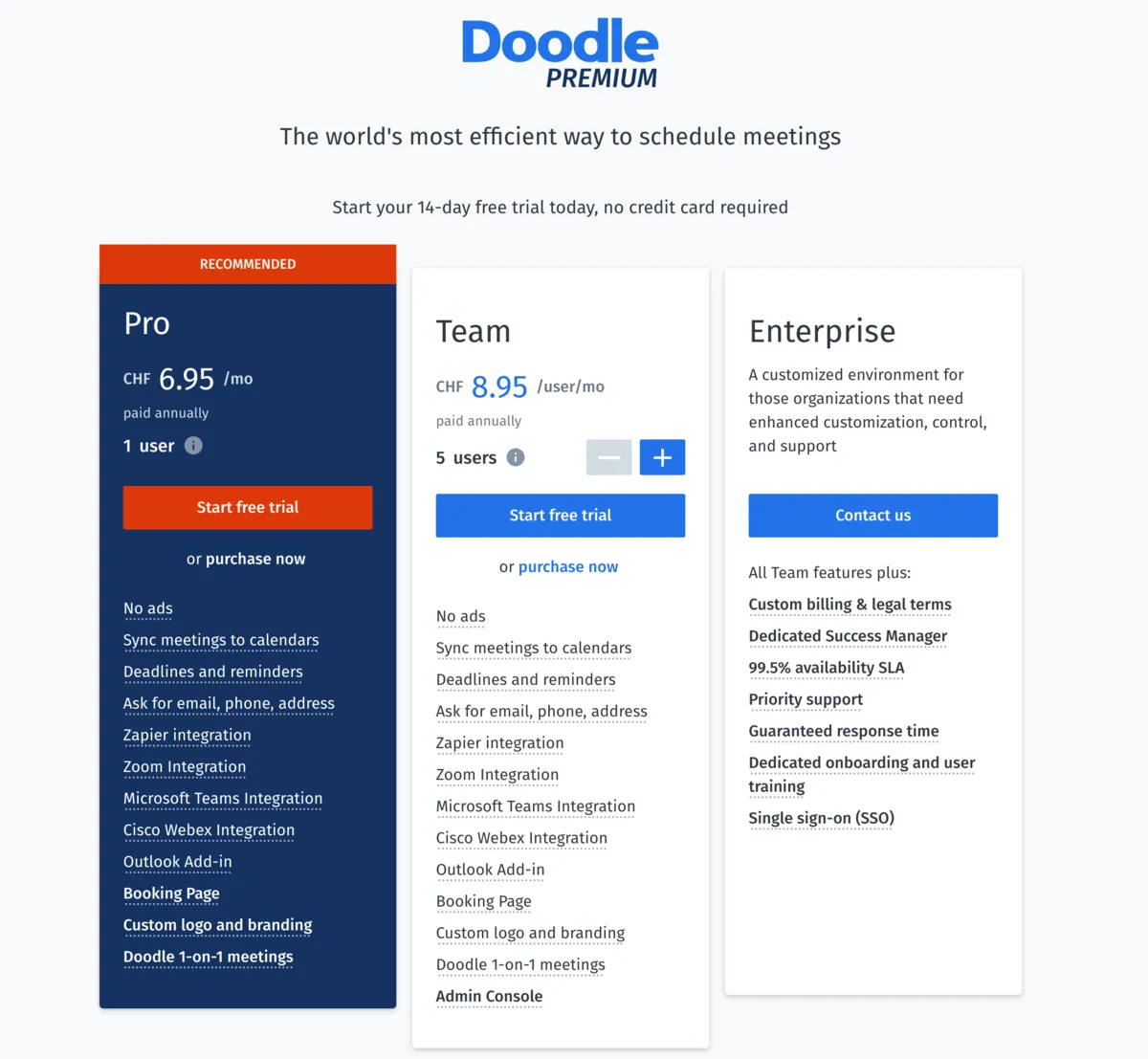 Calendly and Doodle’s basic applications are free but they both offer some subscriptions based premium versions. The main restriction of Calendly’s free version is that it is not possible to create group events. Doodle Premium is priced at 6.95$/month and adds a few features such as Zoom, MS Teams, Zapier integration and the option to ask for email and phone numbers, to set deadlines and reminders and the option for custom branding and logo.
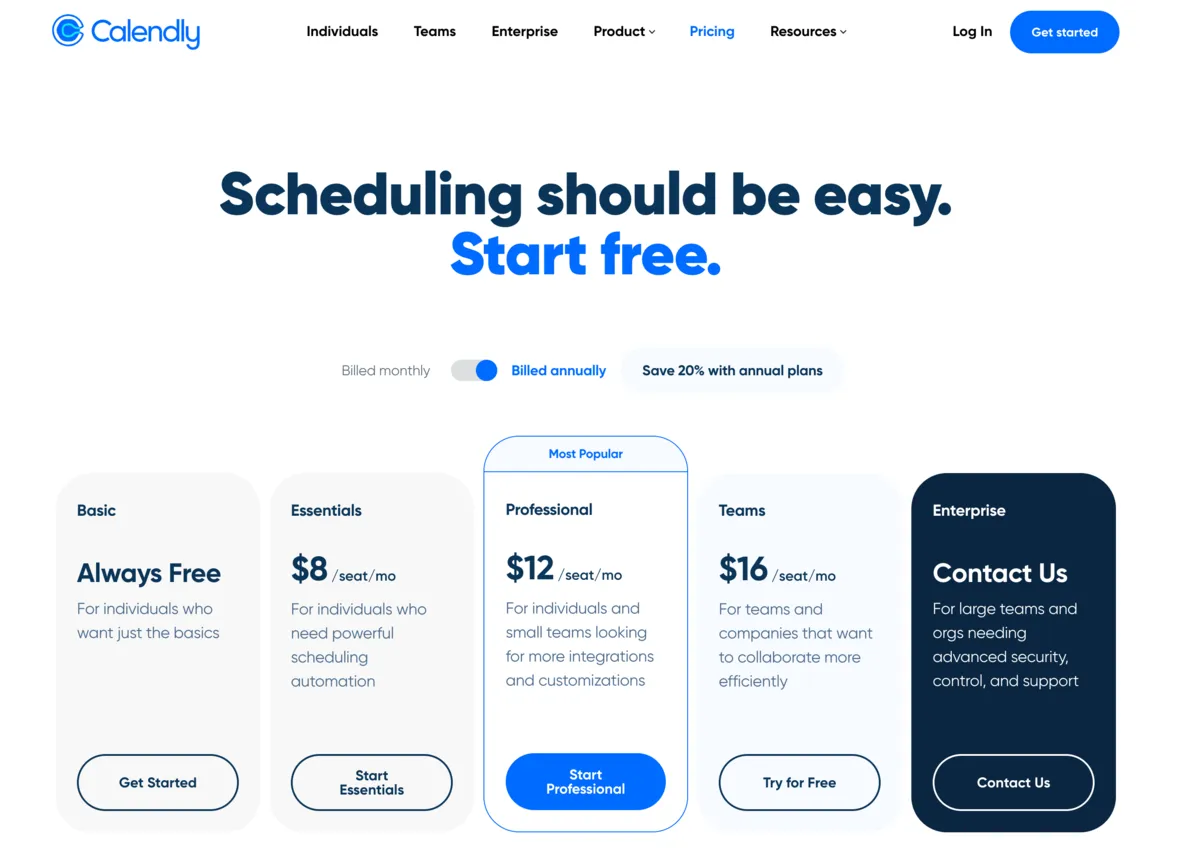 Calendly offers 3 tiers of premium subscriptions called Essentials, Professionals and Teams respectively and priced at 8$, 12$ and 16$ per month and user. The Essential tier offers additional functionality such as the creation of group events, as well as some automation options. Professionals is looking more at small teams, that need on top of automation a greater variety of integrations and customization in the automated workflows. Lastly Teams offers the full functionality that Calendly currently offers. Doodle also offers a „Teams“ subscription but the Doodle Teams subscription has no visible additional functionality besides an admin console, that allows administrators to manage how doodle works for their users. It is currently priced at 8.95$/user/month.
So which one is better?
The better solution for your needs really depends on what you are looking for. If you are looking to quickly set-up a get together with your friends for a birthday party or a weekend in the mountains, then Doodle’s quick set-up and possibility to share via multiple channels is really of advantage. As such for someone who only rarely needs to schedule meetings Doodle would probably be the tool of choice. On the other hand, if you are a freelancer, looking to allow multiple different clients to schedule meetings with you and you don’t want to go crazy trying to manager different polls, Calendly is probably the way to go. If you are looking to schedule multiple 1-on-1s per week and are anyway managing your calendar in a single place, the automated scheduling platform will help you greatly. But probably relatively quickly you will want to subscribe to the premium version of Calendly as it allows you to schedule group meetings and improves the flexibility of the automation.