
Comparing doodle and cally, the two poll scheduler alternatives.
Doodle and Cally are probably two of the most popular tools to schedule meetings or group events. Each one brings different features as well as advantages and drawbacks. Let’s take a look to help decide which one is the better alternative.
Doodle versus Cally
What are Doodle and cally.com for?
Doodle and cally.com are both event and meeting scheduling tools . They help users find the suitable dates for a group event. Their steps are quite similar and include the setting up of a poll with potential dates, sending out the poll to the participants who respond with their preferred dates, which the original creator can then view to pick the best date for the biggest number of participants.
Who can best profit from their use?
Anyone who needs to schedule an event, gathering or even just a meeting between multiple people can profit from the use of a scheduling app, such as Doodle or cally.com. All that is needed is a mobile phone or a computer and a way of sharing the link to the poll with the participants, be that via email, WhatsApp, SMS or any other means if sharing an URL.
How does Doodle work?
Doodle can be either accessed via the web or on a phone or tablet, the organizer can also download the app from the App Store or Google Store. Creating a new poll is quite simply, the organizer decides on a title for the poll, probably the name of the event and suggests dates, including or excluding time slots. It is even possible to synchronize this with all the major web-based calendars, such as Google Calendar, Outlook and others via ICS Feed. Then you can set major settings, of which some are locked behind a paywall and require Doodle Premium. In the last step, the organizers needs to leave an email address and will receive a link that they can share with the participants on the channel that they prefer.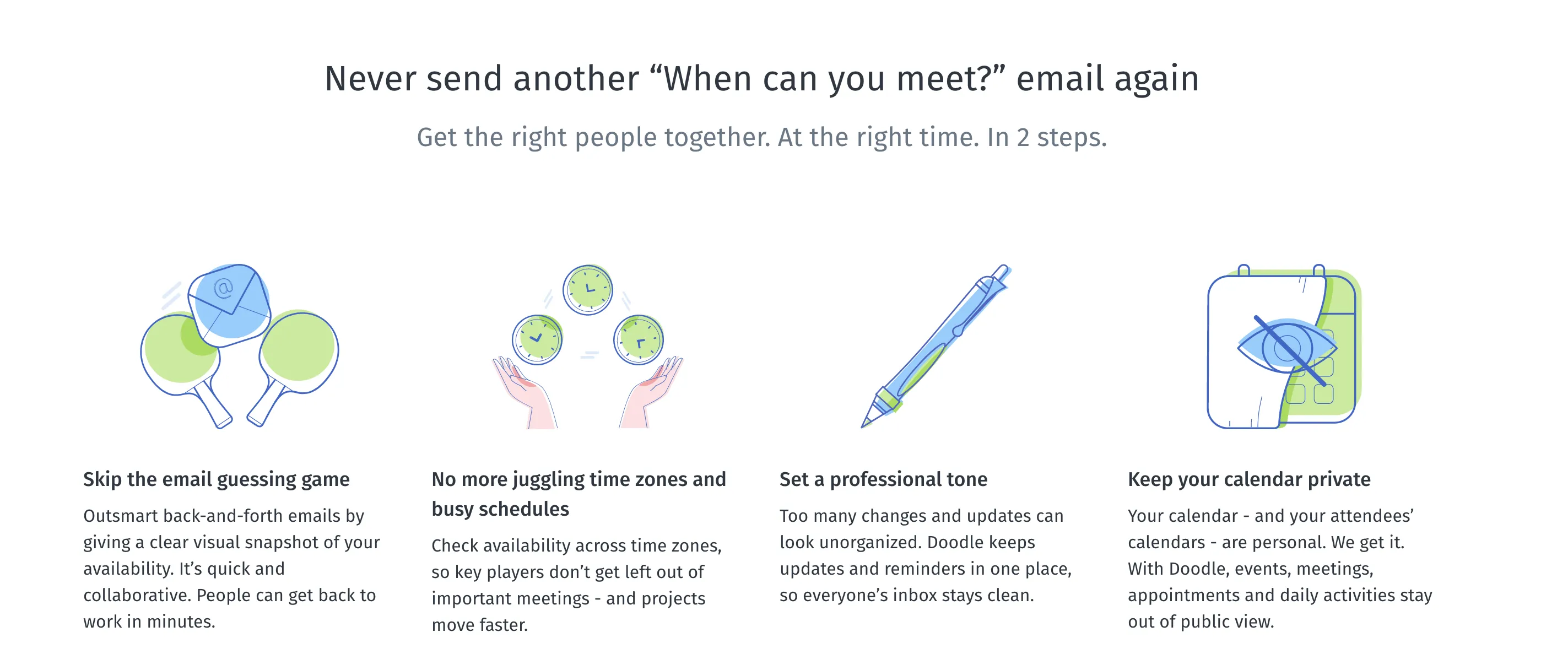
How does Cally.com work?
Cally.com works in its essence similarly with some differences. Finding the suitable date for an event with Cally.com starts with the organizer selecting what they want to organize between different event types: Food, Business, Activity, Together, Remote, Party and Other. Surprisingly the main outcome of this selection is about the which pictures are available and the options for pre-set event titles. After this the organizer decides on the title for the poll, they have the option between event types. These ultimately play a similar role as the poll settings from Doodle but guide the organizer into different settings for specific use cases: Group event, Roster, Attendance (RSVP) and Registration. These types decide on the amount of options that participant can select, how many date suggestion the poll allows, privacy settings, etc. After this this the organizer selects the dates and in the next step can add a time for each date to finalize the suggested options. Then the organizer is prompted to add a meeting location but this step can be skipped. In the last step just as with Doodle, the organizer is prompted to leave a name and an email address. They can also chose to create an account on the stop, if they would like to do so. Once this step is done, the organizer receives an URL for the poll, that they can share on any channel they want.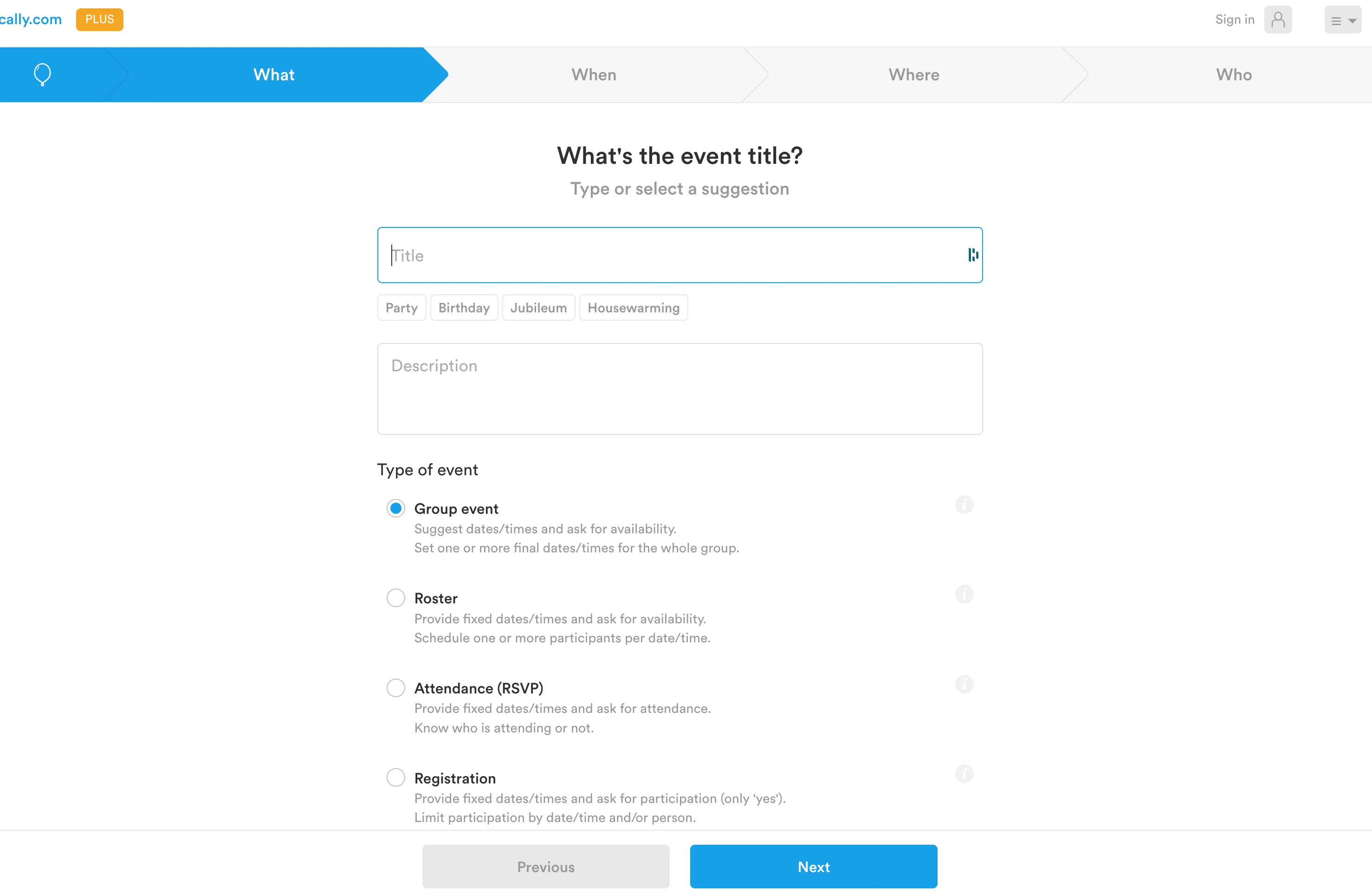
Pricing - Doodle vs. cally.com
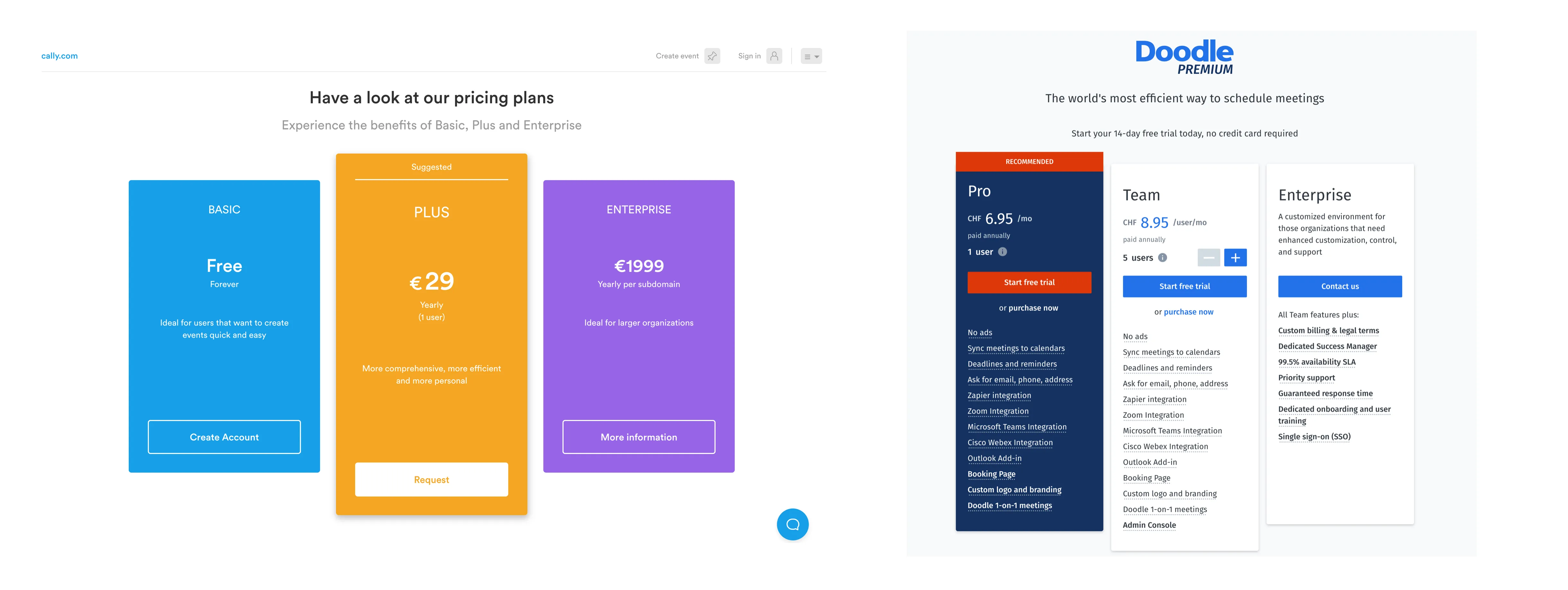
The basic version of both Doodle and Cally.com are free, but they offer premium subscriptions called Doodle Premium and Cally Plus respectively. The plus subscription of Cally.com is 29$ per year and includes the basic functionality but add free, as well as CC email addresses, the option to important contacts, the option to add documents and the retention of events. Doodle Premium costs 6.95$/month and includes multiple integration options such as Zoom, MS Teams, Zapier as well as some functionalities such as asking for email and phone numbers, setting deadlines and reminders and the option for custom branding and logo.
So which one is better?
So now that it has been shown what each Doodle and Cally.com are able to do, which one is the better option? This really depends on what you are looking for. Doodle is a famous brand-name and everyone has already filled out a doodle at least once in his life but many features are hidden behind a paywall and the advertisements on the free version can be jarring. The option of synchronizing with the calendar is a good one, if you use your calendar a lot. Cally.com on the other hand has a better design and the flow is really targeted for the use cases that they present in the “event types”. If your event doesn’t fit either of these, then it might become more complicated to use. Ultimately it comes down to the your preferences and what event you are trying to organize. Just remember that in both cases you need to leave an email for registration purposes.